Troubleshooting
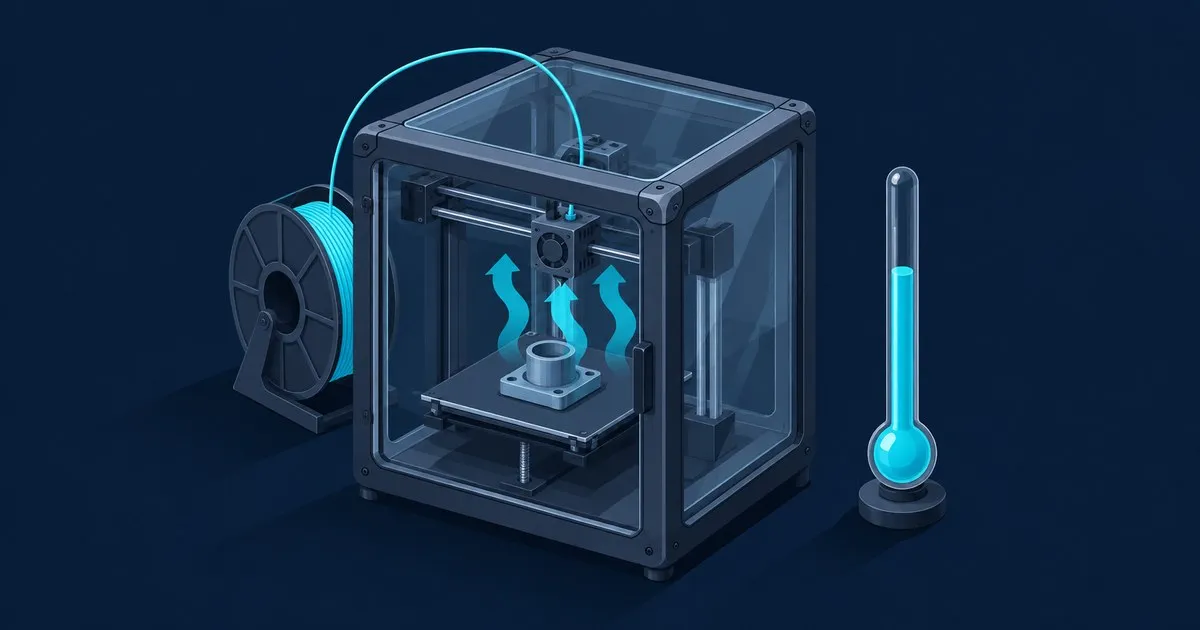
Creality K1 Enclosure Temperature Limits
Creality lists no chamber rating for the K1 series. This guide explains the passive enclosure's real temperat…
Creality Reviews explains Ender-3 and K1 printers through published specifications, calibration procedures and failure diagnosis. Coverage includes the Ender-3 V3 SE, Ender-3 V3 KE, Ender-3 V3 and V3 Plus, alongside the K1, K1C and K1 Max. Start with the Creality printer buying guide to compare the model families, then follow the guide for your exact machine when a setting, replacement part or firmware package differs.
The specification tables separate build volume, nozzle temperature and motion limits from claims about print quality. The K1 Max and K1C comparison explains what a 300 mm cube changes compared with a 220 x 220 x 250 mm space, and the K1 versus Ender-3 V3 comparison explains why both list a 600 mm/s top speed but behave differently in practice. For a material-specific question, the Creality PETG compatibility table compares published nozzle and bed limits without treating maximum temperature as a print recipe.
Calibration coverage follows the problem you can see on the plate. The bed leveling and first-layer guide distinguishes mesh compensation from Z offset and extrusion adjustment. The Ender-3 V3 Z-offset procedure separates the SE, KE and CoreXZ workflows. On the KE, calibrate KE input shaping before trusting the stock preset. Check the model-specific instructions before transferring a screen value or calibration step from another Ender, even when both machines use similar names.
Troubleshooting covers CR-Touch probing failures, Sprite extruder feed problems, nozzle clogs and heat creep, K1 enclosure heat limits and K1 stringing. Each guide connects visible symptoms with a checking order so you can record what changes after an adjustment. Firmware questions have a separate Ender-3 V3 update guide, while the Creality Print and OrcaSlicer comparison covers the software workflow.
The Creality bed leveling and speed estimator turns nozzle size and selected speed into an estimated flow demand. For example, a 0.4 mm line at 0.2 mm layers and 300 mm/s requires 24 mm³/s in the simplified calculation. The tools guide explains the inputs, fixed assumptions and worked example so you can interpret the result before changing a slicer profile.
Creality Reviews Editorial uses AI-assisted drafting and cites manufacturer documentation and other identified sources. Hardware limits, calculations and published observations are attributed in the articles. Read the editorial scope and methodology disclosure for how this documentation-based coverage is assembled and where its conclusions are limited. The goal is a clear next check for a specific model.

Which Creality printer suits a first purchase, how the Ender-3 V3 and K1 lines differ on speed and enclosure, and the setup that decides week one.
Read the article →Creality lists no chamber rating for the K1 series. This guide explains the passive enclosure's real temperat…
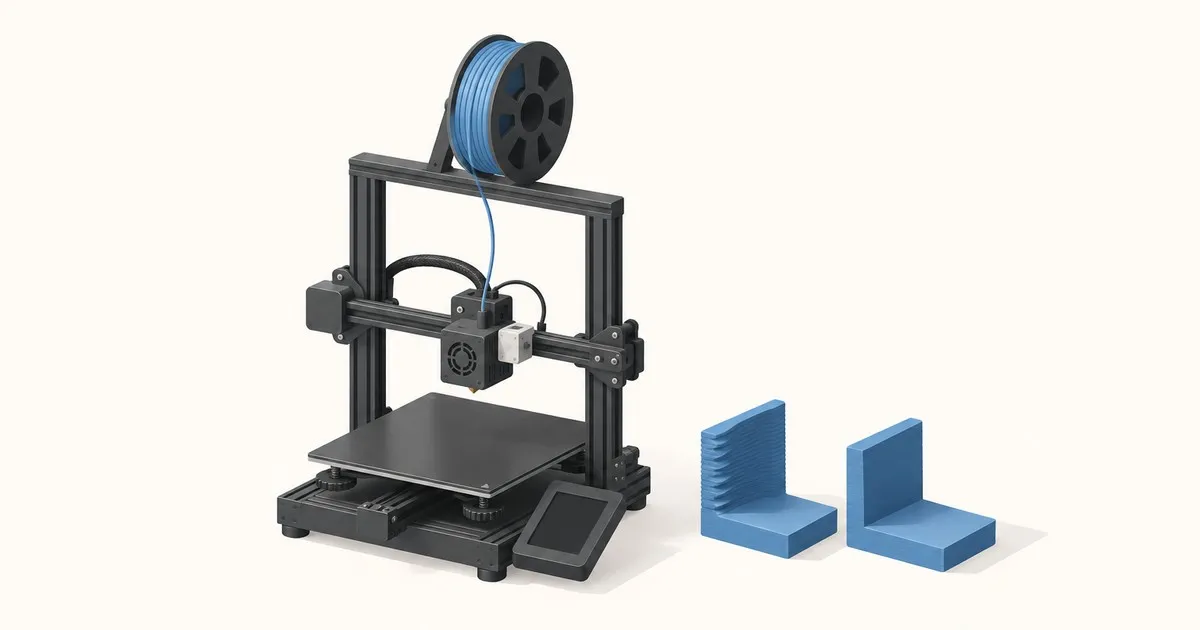
Understand what input shaping changes on the Ender-3 V3 KE, how to calibrate with the G-sensor, and how to ve…
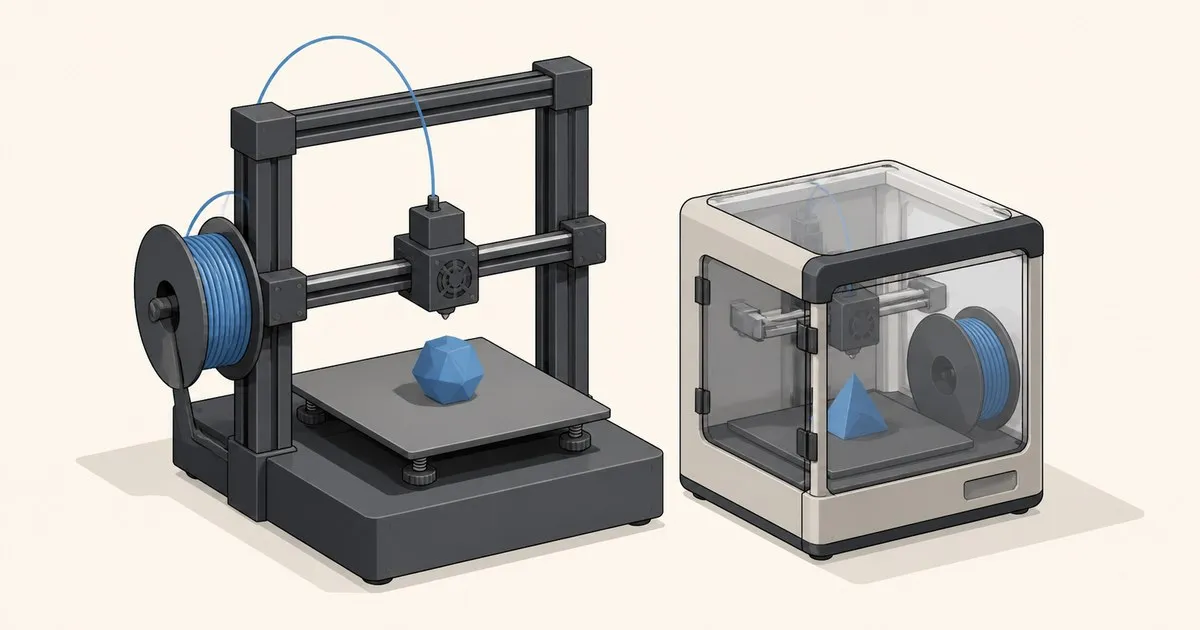
Compare Creality PETG support and published nozzle and bed limits for Ender-3 V3 KE, V3, V3 Plus and K1C, wit…

The SE has a 2500 mm/s2 acceleration limit and an SD-only workflow; the KE adds Wi-Fi, a 300 C hotend, and an…

The K1 Max provides a 300 mm cube, AI LiDAR, and Ethernet; the K1C has a quick-swap Unicorn nozzle and a rate…
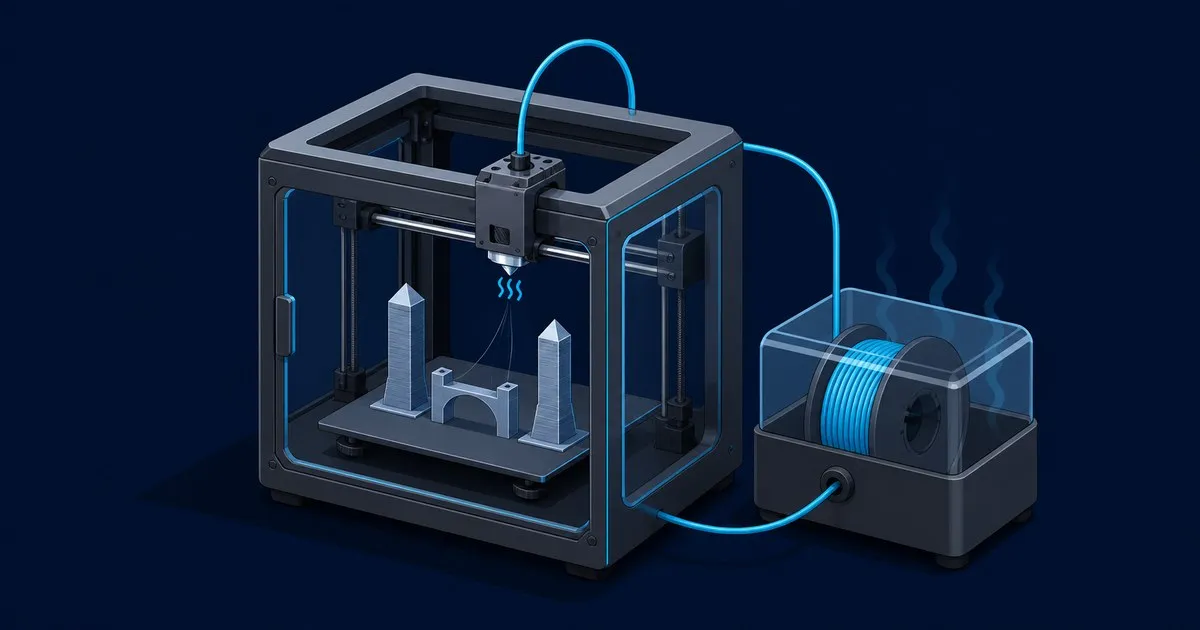
This Creality K1 stringing fix covers filament drying, nozzle temperature, retraction, wipe, and pressure adv…